
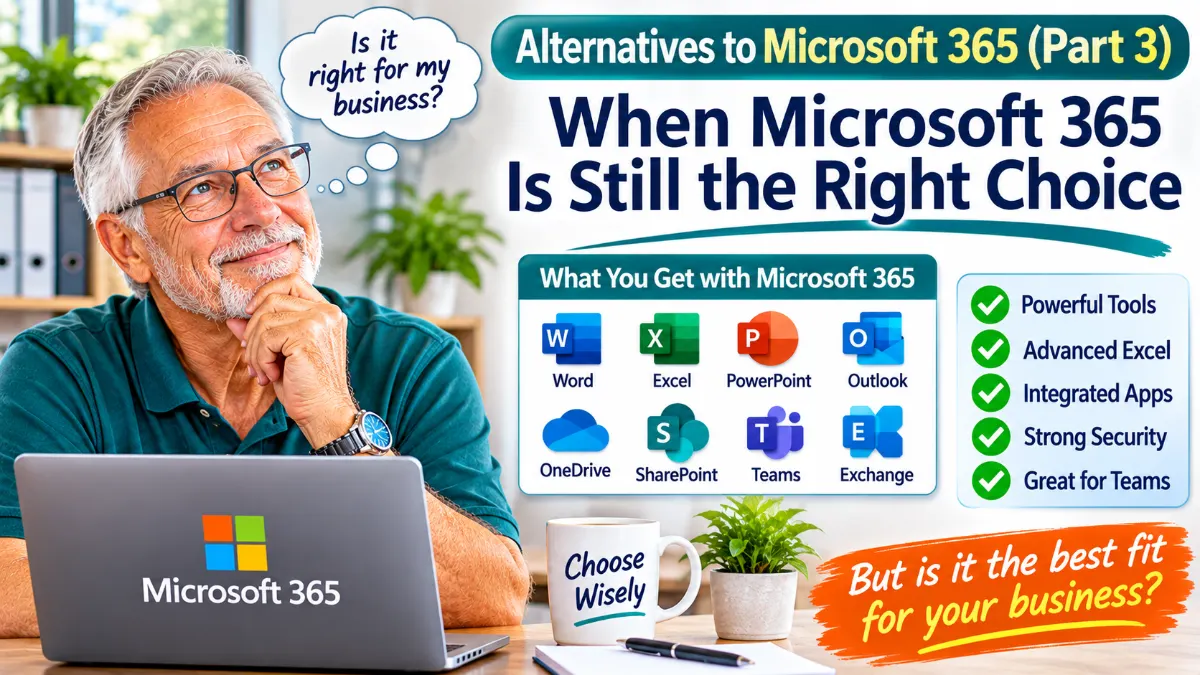
Alternatives to Microsoft 365 (Part 3): When Microsoft 365 Is Still the Right Choice
In Part 1 of this series, we looked at a low-cost alternative to Microsoft 365: standard email hosting combined with Mozilla Thunderbird.
In Part 2, we explored Google Workspace and its browser-based approach to email, documents and teamwork.
So, does Microsoft 365 still make sense for a small business?
Absolutely. Despite the alternatives, Microsoft 365 remains a very capable business platform. For some businesses, its desktop applications, advanced Excel features and integration between services make it well worth the monthly subscription.
The important question is not whether Microsoft 365 is good. It is whether your business actually needs everything you are paying for.
What Does Microsoft 365 Offer?
Microsoft 365 is a collection of business applications and cloud services. Depending on the plan you choose, it can include:
- Microsoft Word: Create and edit professional documents, letters, reports and proposals.
- Microsoft Excel: Manage accounts, quotations, stock, budgets and complex spreadsheets.
- Microsoft PowerPoint: Prepare presentations for customers, suppliers and staff.
- Microsoft Outlook: Manage email, calendars, contacts and tasks.
- OneDrive: Store and synchronise individual business files online.
- SharePoint: Provide shared document libraries and team information.
- Microsoft Teams: Chat, hold meetings and collaborate with colleagues.
- Exchange Online: Business email using your own company domain.
Not every plan includes every feature. For example, some subscriptions provide web and mobile versions of Office applications, while others include the full desktop applications.
That difference is important when comparing prices.
Why Businesses Continue to Choose Microsoft 365
1. Microsoft Excel Is Still a Major Advantage
For many businesses, Excel alone is a good reason to remain with Microsoft 365.
Although Google Sheets and other spreadsheet applications handle everyday calculations very well, Excel offers a mature set of advanced features.
Businesses that rely on complex workbooks, VBA macros, specialised financial models, advanced data analysis or established spreadsheet systems may find that moving to another platform creates unnecessary work and compatibility problems.
If your bookkeeper, accountant or business operations depend on existing Excel workbooks, the cost of changing systems may be greater than the subscription saving.
2. Full Desktop Applications
Some Microsoft 365 business plans include the desktop versions of Word, Excel, PowerPoint and Outlook.
This is particularly useful for people who work with large documents, complex spreadsheets, extensive formatting or specialised Office features.
Desktop applications can also be useful when internet connectivity is unreliable. You can work locally and synchronise supported files when you reconnect, provided the relevant files and services have been configured correctly.
For employees who have used Microsoft Office for many years, the familiar desktop environment can also reduce the disruption of changing software.
3. Integrated Business Services
Microsoft 365 brings several business services together.
For example, a document can be stored in SharePoint, shared with colleagues, edited in Word and discussed in Teams. OneDrive provides personal work storage, while Exchange Online handles business email and calendars.
For a company with several employees, this integration can make document sharing, access management and collaboration easier to organise.
Microsoft 365 also supports real-time co-authoring, so multiple people can work on supported documents at the same time.
4. Business Security and Administration
Microsoft provides business administration and security features that go beyond ordinary email and office software.
Depending on the subscription, businesses can use features for managing user accounts, controlling access, protecting devices and safeguarding company information.
Larger or more security-conscious small businesses may benefit from these tools.
However, having access to advanced security features does not automatically mean they are configured correctly. Someone still needs to manage user accounts, permissions, security settings, updates and backups.
The Downsides: Cost and Complexity
Microsoft 365 is powerful, but that does not mean every small business needs it.
1. Monthly Per-User Costs
Microsoft 365 business subscriptions are generally charged per user.
That means the monthly cost increases as you add employees. A business with eight or ten staff members may be paying a substantial amount every month, even if some employees only need an email address.
It is worth checking which services each employee actually uses before choosing a plan.
If someone only needs business email, a full Office subscription may be unnecessary.
2. Not Every Employee Needs the Same Package
One common mistake is assuming every employee needs the same Microsoft 365 subscription.
A business owner may need desktop Excel, Word and Outlook, while a field worker may only need email and access to a shared schedule.
It is worth considering whether different employees need different plans or whether some only require standard email hosting.
The objective should be to pay for the services people actually use.
3. Administration Can Become Complicated
Microsoft 365 offers extensive administration and configuration options. This is useful, but it can also be confusing for a small-business owner who simply wants email and office software to work.
Managing user accounts, permissions, SharePoint, OneDrive, security policies and Outlook configurations can require technical knowledge.
For a very small business, the additional administration may be more than is necessary.
4. Outlook Can Create Support Work
Outlook is a powerful email application, but desktop email software can also introduce its own support issues.
Profile problems, account configuration, synchronisation, add-ins and local data files can all require attention.
In my experience supporting small-business email users, Outlook-related problems account for a large proportion of support requests. This is my own experience rather than an industry-wide statistic.
A business should consider not only the subscription price, but also the time and support required to keep its email working reliably.
Which Microsoft 365 Plan Do You Actually Need?
Before subscribing, check whether you need desktop Office applications or whether browser-based versions are sufficient.
For example:
- Business Basic: Aimed at businesses that mainly need business email, cloud storage, Teams and web/mobile versions of Office applications.
- Business Standard: Adds the desktop Office applications, making it more suitable for employees who need the installed versions of Word, Excel, PowerPoint and Outlook.
- Business Premium: Adds more advanced security and device-management capabilities for businesses that need them.
Plan names, included services and prices can change, so check Microsoft’s current South African pricing and feature comparison before making a decision.
The Three Options Compared
After looking at all three approaches, the choice becomes clearer:
1. Standard Mail Hosting + Thunderbird
Best for businesses that mainly need reliable professional email and want to avoid monthly per-user productivity subscriptions.
2. Google Workspace
Best for teams that prefer browser-based working, shared documents and straightforward online collaboration.
3. Microsoft 365
Best for businesses that depend on desktop Office applications, advanced Excel functionality, established Microsoft workflows or more extensive business administration and security features.
The Final Word: Pay for What You Need
There is nothing wrong with Microsoft 365. It is a capable business platform, and for many companies it is absolutely the right choice.
The mistake is paying for a collection of services simply because they come together in one subscription, without considering whether your business uses them.
A small business that relies on advanced Excel and desktop Office applications may find Microsoft 365 excellent value.
Another business may need nothing more than professional email and a reliable desktop email client.
And a team that works collaboratively on shared documents may find Google Workspace the better fit.
The best solution is not necessarily the one with the most features. It is the one that gives your business what it needs without unnecessary cost and complexity.
Before committing to a subscription, make a list of what each employee actually needs. You may discover that not everyone requires the same package — or that some employees do not need a productivity subscription at all.
Useful resource: Microsoft 365 for Business – Plans and Pricing